Three steps, and reservations start coming in.
- 1
Your page, ready for you
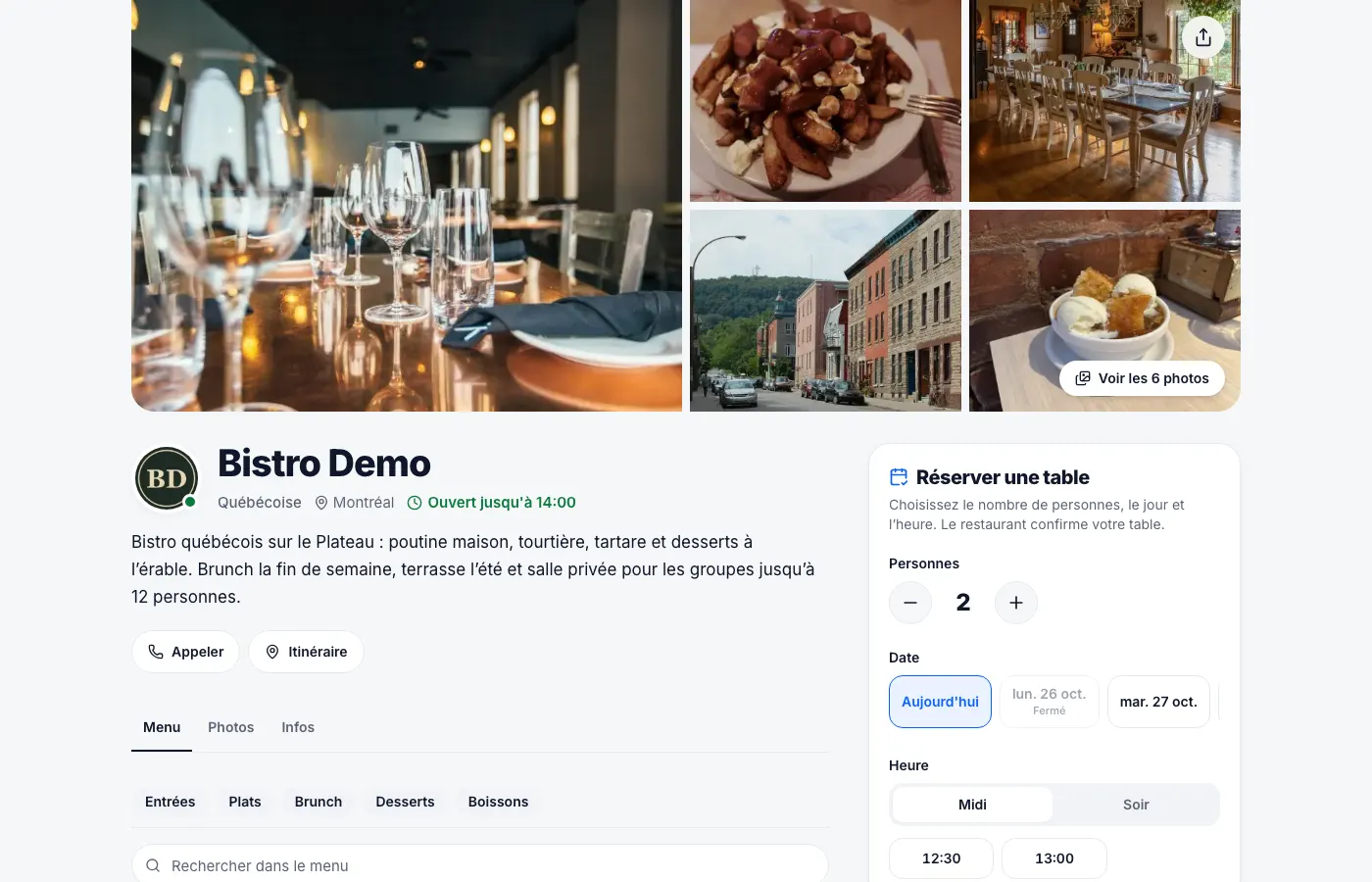
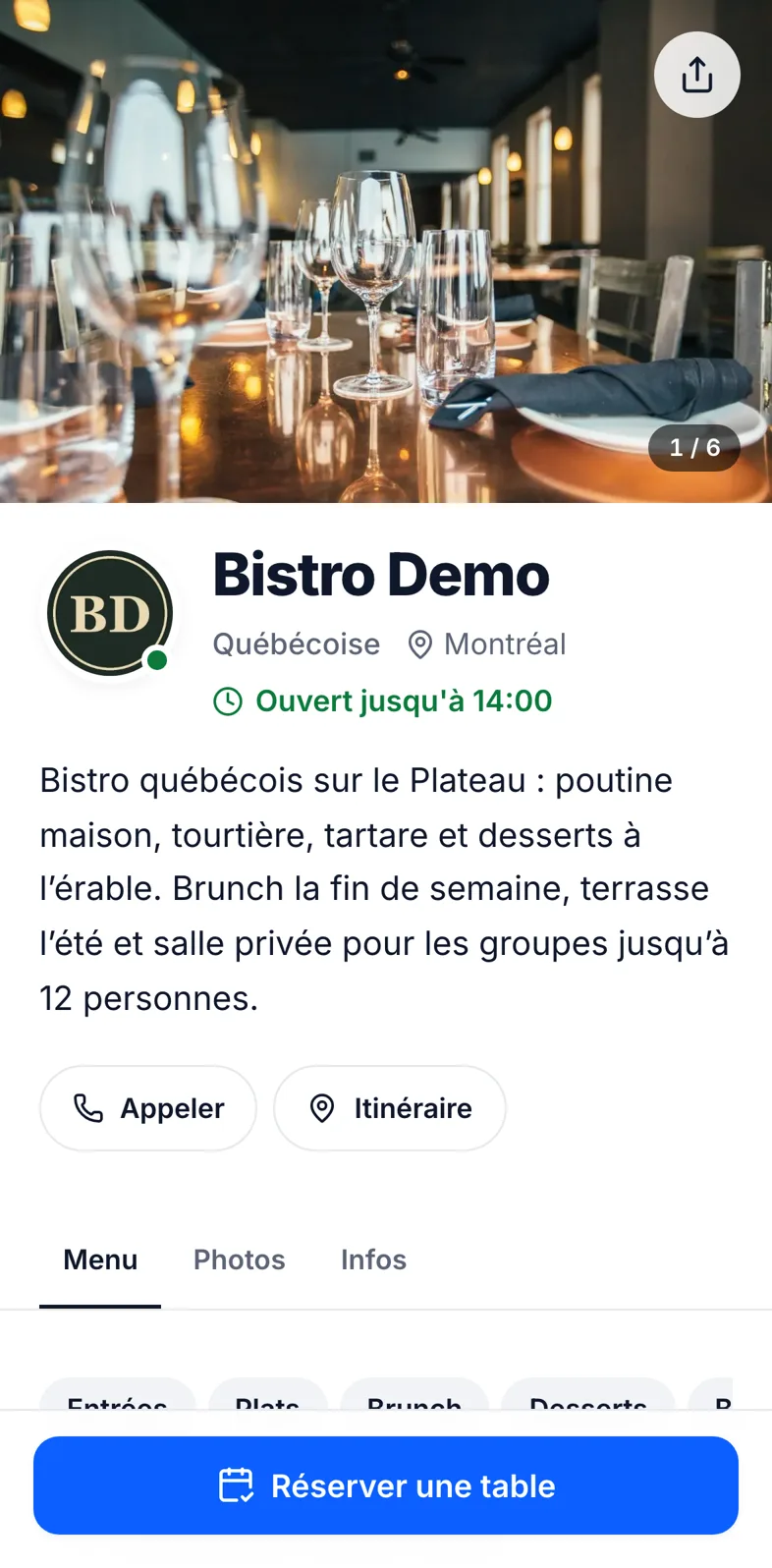
We set up your page with you: menu with photos, hours, tables. We can import your menu from your website.
- 2
Guests book
Party size, day, time: done. They can later ask for a change from their link.
- 3
You confirm
Each request lands on your phone. Accept or decline in one tap; the guest gets the confirmation, then a reminder.
Tonight, everything's clear.Who's coming, when, at which table.
Today's reservations, requests to confirm, the floor plan and the walk-in waitlist in one place — on the host's phone and the manager's computer.
Tonight
12 guestsNew request
Camille B. · 4 ppl · 8:30 PM
Built for restaurants, nothing you don't need.
Reservations you approve
Every request waits for your OK, or confirms itself up to the party size you choose.
Automatic reminders
Confirmation and reminder by email, and on WhatsApp if the guest wants. Fewer no-shows, fewer empty tables.
Floor plan
Your tables by area — dining room, patio, private room — with live status.
Walk-in waitlist
Walk-ins wait on the list; seat them as soon as a table frees up.
Online menu
Dishes, photos, prices and allergens in French and English. Updated in two minutes.
Table QR codes
Guests scan the table to see the menu — no app.
Your team
Managers and hosts each get their own login with the right permissions.
Guest reviews
After the meal, guests leave a verified review on your page.
Pay at the restaurant
No online payment: guests pay on site as usual. You show card and/or cash on your page.
Bilingual
Your page and messages show in the guest's language: French or English.
Easy for guests
No app, no account: one link, three choices, booked.
Fewer calls during service
Reservations come in online, even at night, instead of interrupting service.
One link everywhere
On Google, Instagram, your website, and as a QR code on your tables and window.
One plan, everything included.
No hidden add-ons, no per-cover fees. Guests pay at the restaurant: no commission on your bills.
Restaurant plan
$49/ month, per restaurant
First month free
- Every feature: reservations, reminders, floor plan, waitlist, menu, QR codes
- Unlimited reservations
- Logins for your whole team
- We set up your page for you
- No commission, no online payments
- No commitment, cancel anytime
Your restaurant,online today.
Create your account, find your restaurant on Google Maps or your website, check what we import, and you're taking reservations.
- 1Create your accountAn email and a password, or continue with Google.
- 2Paste your linkYour Google Maps page, your website or your Uber Eats page: name, address, hours and menu are filled in for you.
- 3Check and publishEdit anything, add your photos, approve — your booking page is live.
Frequently asked questions
How much does it cost?
$49 per month per restaurant, everything included, with the first month free and no commitment. Guests don't pay online, so there's no commission on your bills.
Do guests need an account?
No. They pick the party size, day and time, then leave their name and phone. That's it.
Can I decline a reservation?
Yes. Every request waits for your confirmation. You can also auto-confirm small parties.
How are reminders sent?
By email, and on WhatsApp if the guest agrees when booking.
Do you take payments?
No. Guests pay at the restaurant as usual; your page simply says whether you take cards and/or cash.
Do I have to type my whole menu?
No. We can import it from your website, then you check it before publishing.
Can my team use it?
Yes. Managers and hosts get their own login to see and manage reservations.